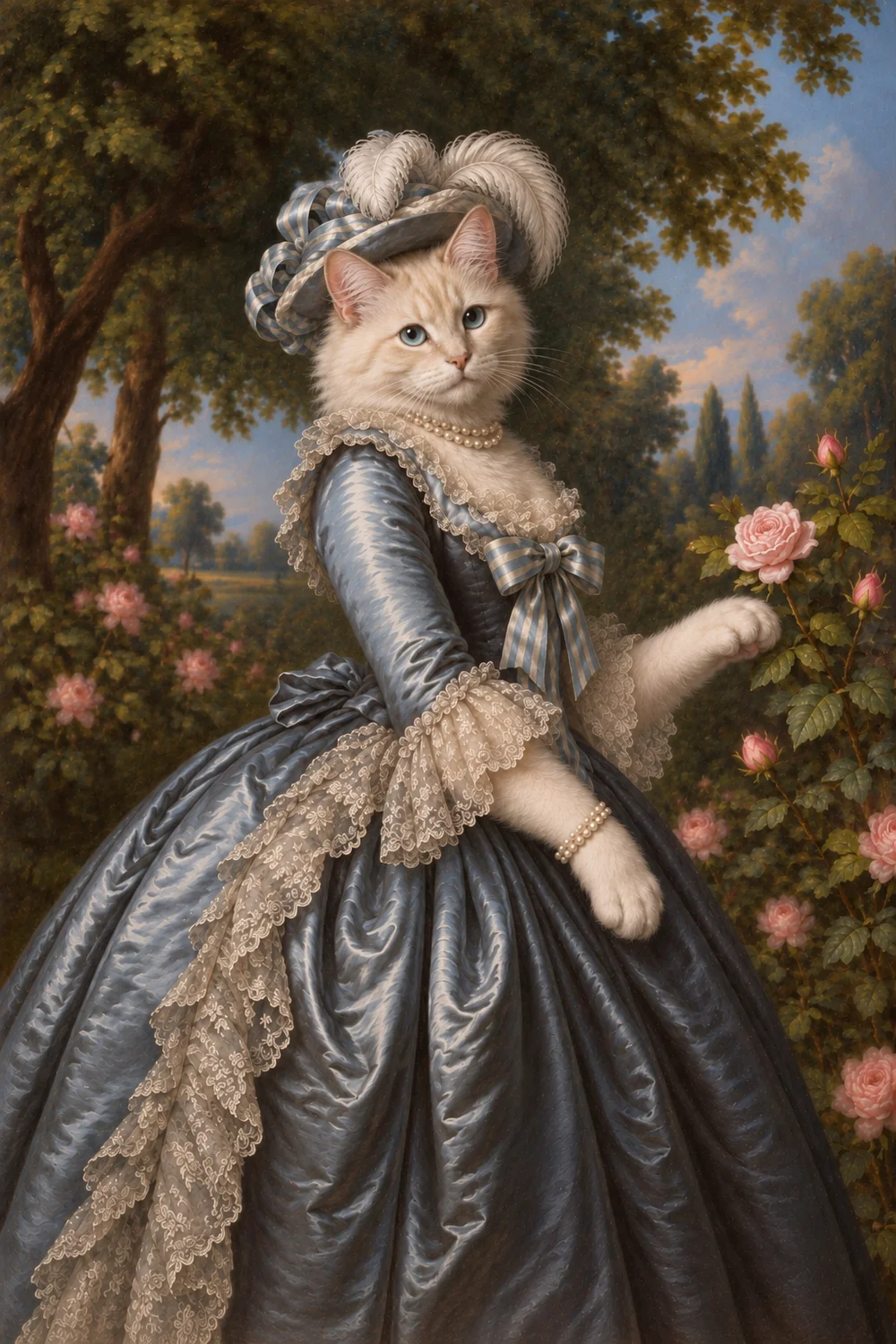
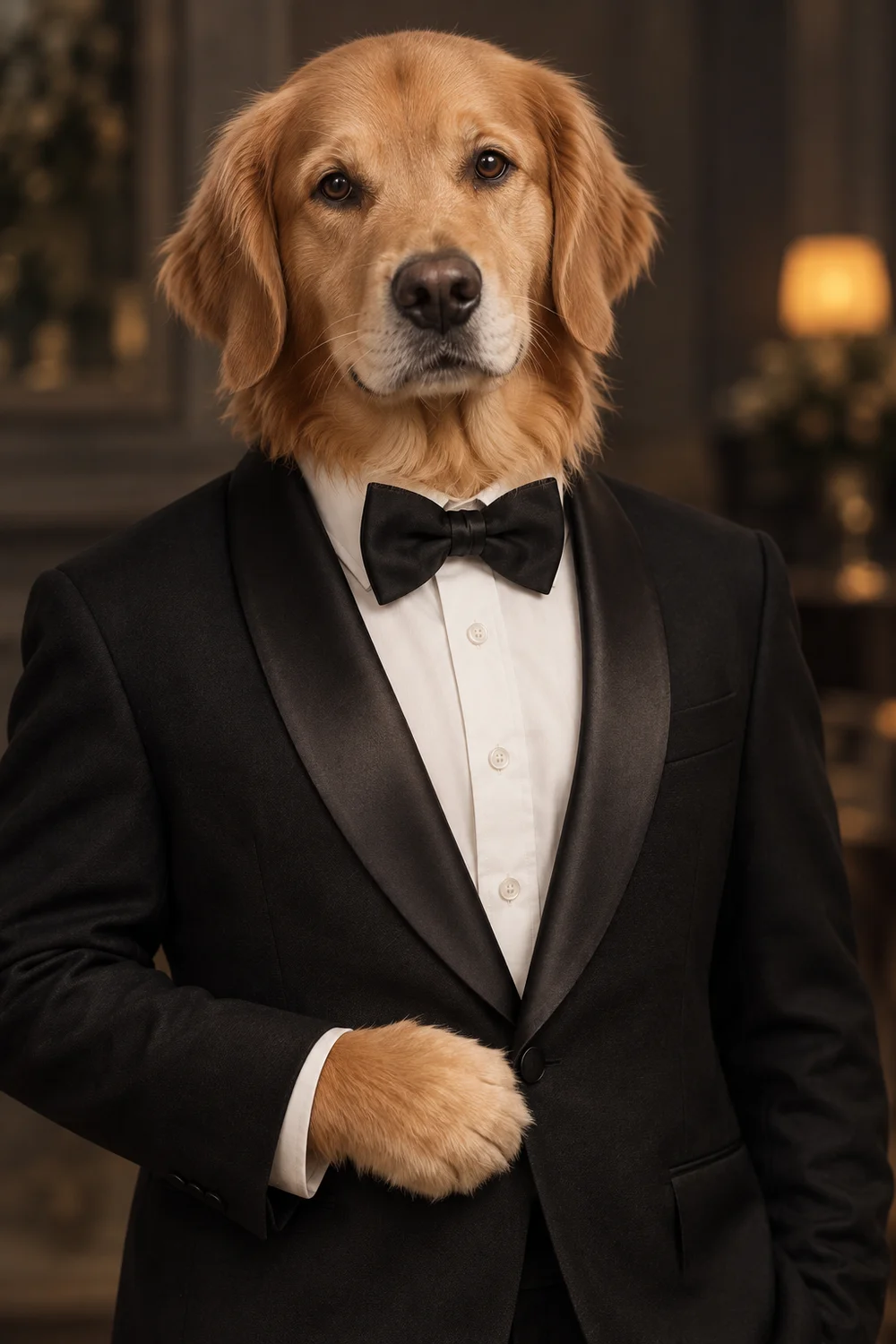
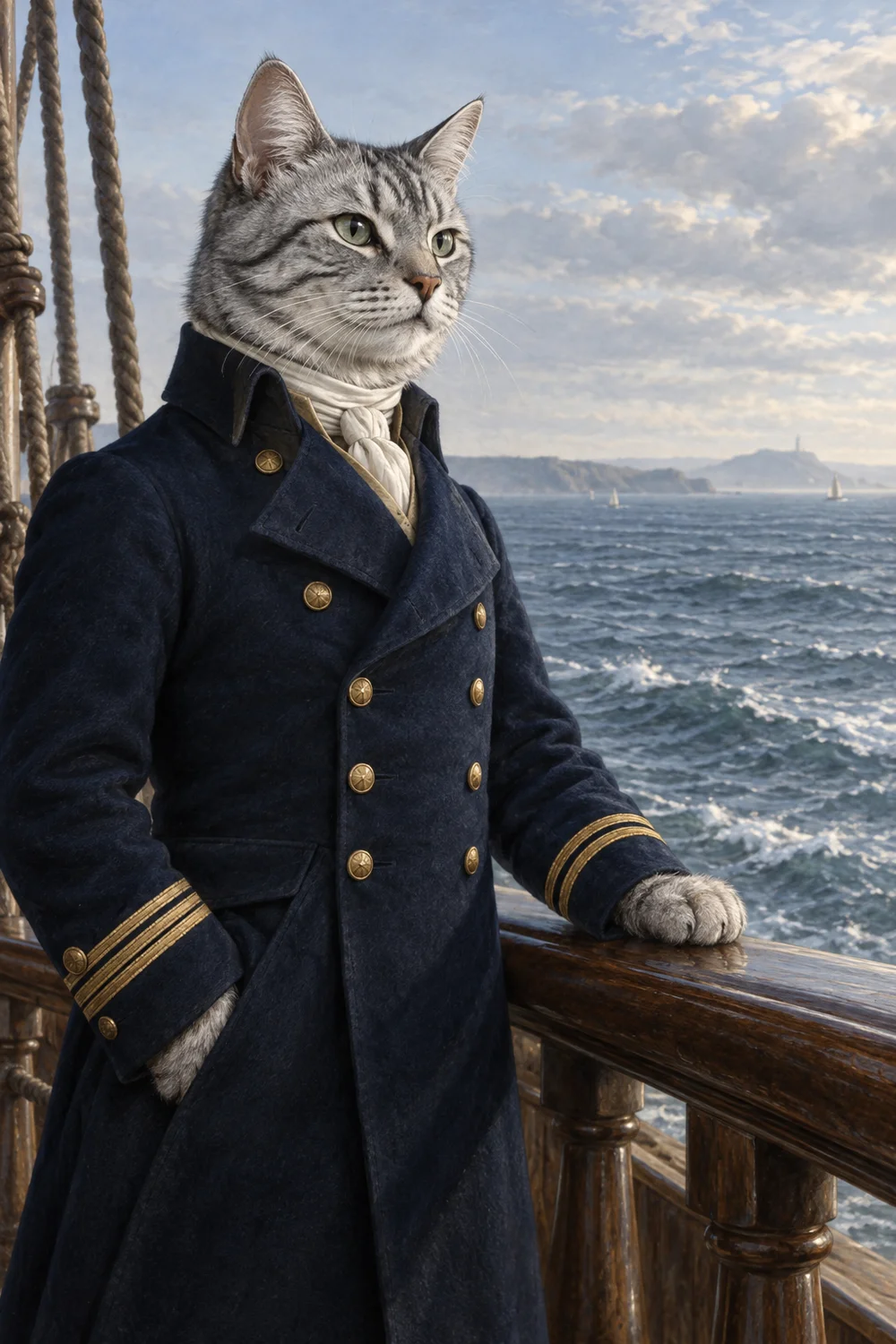
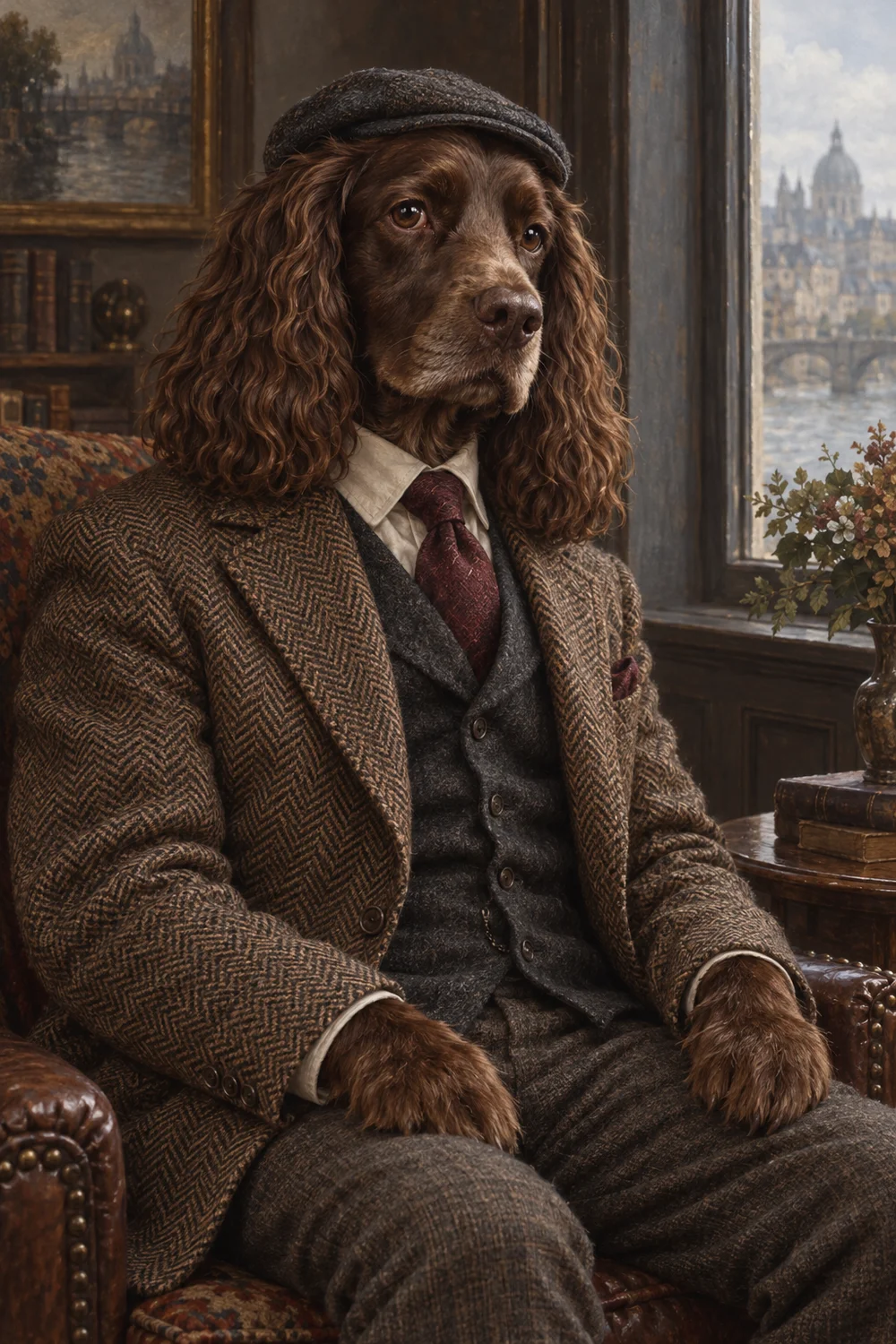
A clear photo.
A familiar face.

You don’t need a studio photoshoot. Choose a clear everyday photo that shows the details you know by heart.

What to look for ↓
A spaniel resting on a sofa with a clearly visible face

A good photo,
at a glance.

Compare the recommended photo with an example to avoid. Photo effects illustrate lost detail. The multiple-pet and turned-away examples are AI-created photo illustrations.

A face in focus.

Choose a sharp original photo so the eyes and small markings are easy to see.
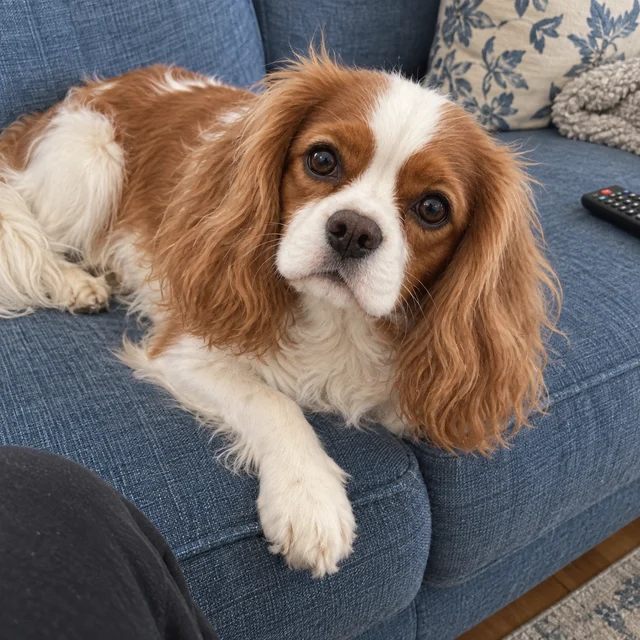
Original spaniel photo with a visible face and ears
RecommendedFace in focus
Blurred illustration of the same spaniel photo
Not recommendedBlur hides detail

Nothing hiding their face.

Keep eyes, nose and markings visible; move a toy or blanket aside before taking the photo.

Original spaniel photo with a visible face and ears
RecommendedFace visible
Illustration with a block covering part of the face
Not recommendedFace partly covered

A little space around the head.

Leave a little space around the ears and chin so the whole head stays in the photo.

Original spaniel photo with a visible face and ears
RecommendedHead within the frame
Illustration cropped tightly around the spaniel face
Not recommendedCrop cuts off the ears

Their coat, in its own colors.

Use the unfiltered original so coat colors and markings stay recognizable.

Original spaniel photo showing brown and white coat colors
RecommendedNatural-looking color
Illustration with a strong filter shifting brown fur toward purple
Not recommendedStrong filter changes color

Light enough to see the details.

Move into soft daylight if shadows hide the eyes or coat markings.

Spaniel with visible facial features in ordinary light
RecommendedFace evenly lit
Illustration: too dark to see detail
Not recommendedToo dark to see detail

Keep the light from washing them out.

Avoid harsh direct light that washes out white fur and facial detail.

Spaniel with visible facial features in ordinary light
RecommendedCoat detail visible
Illustration: overexposure loses detail
Not recommendedOverexposure loses detail

Light their face, not just the background.

Let the window light your pet’s face, rather than leaving it in shadow against a bright background.

Spaniel with visible facial features in ordinary light
RecommendedLight on the face
Illustration: bright background, dark face
Not recommendedBright background, dark face

Make their face easy to see.

Move closer until the face is easy to check, while keeping the whole head in the frame.

Spaniel with visible facial features in ordinary light
RecommendedFace large enough to check
Illustration: face too small
Not recommendedFace too small

Keep the original detail.

Use the original camera file instead of a screenshot or repeatedly compressed copy.

Spaniel with visible facial features in ordinary light
RecommendedOriginal detail visible
Illustration: detail lost after compression
Not recommendedDetail lost after compression

One pet for one portrait.

Choose one clearly pictured cat or dog. For another species or multiple pets in one portrait, contact us first.
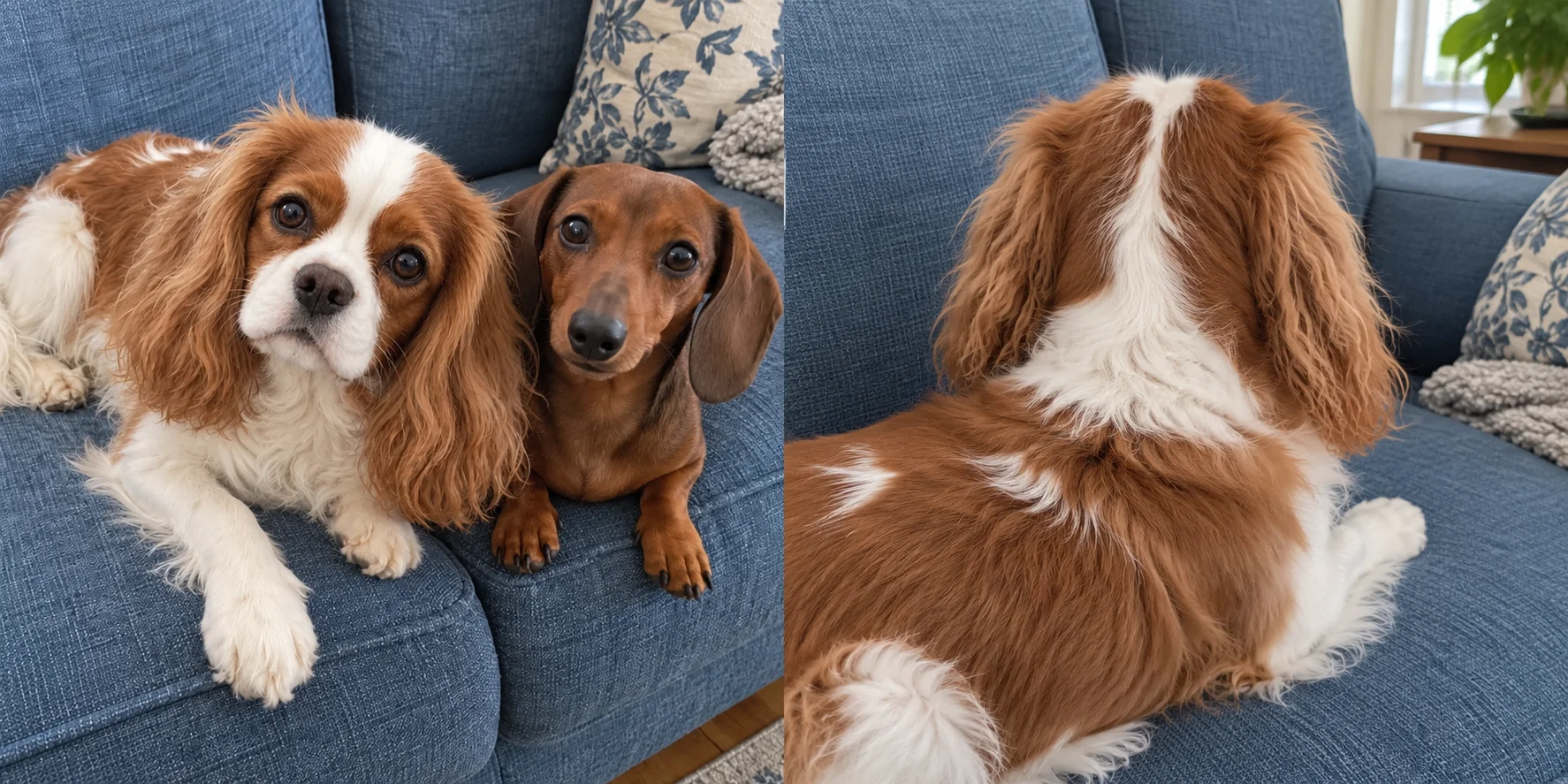
Spaniel with a clearly visible face
RecommendedOne clear subject
Illustrative photo with two dogs on the sofa
Not recommendedMultiple pets in the frame

Choose an angle that shows their face.

A slight head turn can work; avoid angles that hide the eyes or muzzle, and follow the chosen style’s photo advice.
Spaniel with a clearly visible face
RecommendedFeatures visible
Illustrative photo of the spaniel facing away from the camera
Not recommendedFace turned away

Character portraits.
No costume required.

When the photo is all you have.

Can I use an old photo?

An older photo may work when the facial features are clear. Missing or blurred details cannot be reliably recovered. Use the clearest version available and compare the preview carefully before ordering.

Will every detail stay exactly the same?

AI-generated portraits may change colors, texture, features and composition. The preview gives you a chance to check what matters to you. You can decide not to order if the result doesn’t feel right.

Still unsure about your photo?

Contact us before you start. We can help check what to consider for your chosen style.

Found a photo you love?

Choose a portrait style ↗